
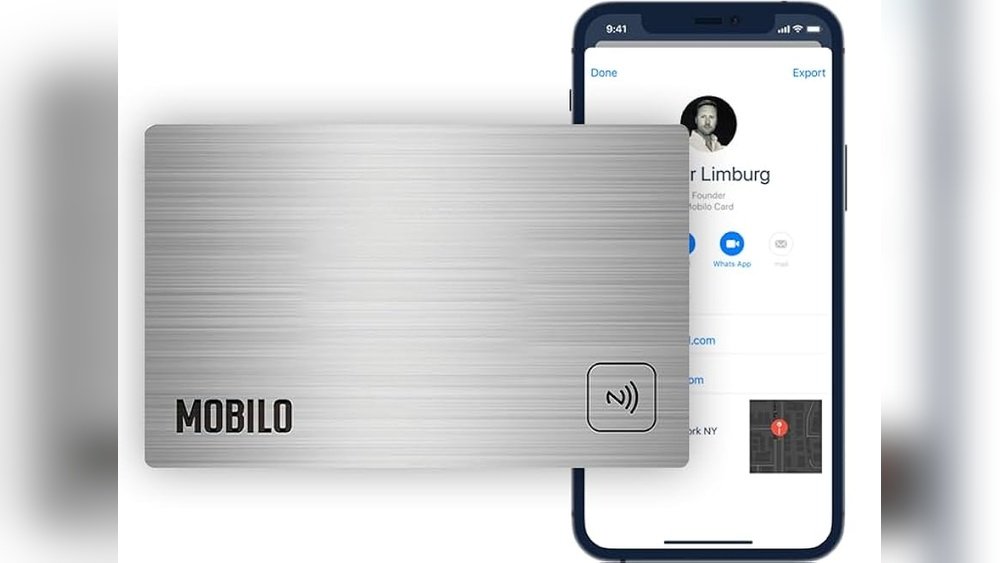
Imagine handing out your business card and instantly capturing a lead without fumbling for paper or worrying about lost contacts. What if you could share your digital business card in seconds and effortlessly grow your network?
With Swft Connect, you can do exactly that. This tool lets you instantly share your digital business card via QR codes, links, NFC, or even Apple Watch taps—making it easy for your contacts to save your information right away. Not only do you share your details smoothly, but you also capture valuable leads automatically, helping you turn every connection into an opportunity.
Ready to see how Swft Connect can transform your networking game? Keep reading to unlock the secrets of instant sharing and lead capture.
Introduction To Digital Business Cards And Lead Capture
Digital business cards are changing how professionals share contact details. They offer a fast, eco-friendly way to connect. Capturing leads through these cards is vital for growing any business today. This section explains what digital business cards are, how instant sharing boosts networking, and why lead capture matters.
What Are Digital Business Cards And Their Purpose
A digital business card is an electronic version of a traditional paper card. It stores contact info, social profiles, and company details in one place. Users share these cards via QR codes, links, NFC, or apps like Swft Connect.
The main purposes include:
- Easy sharing of professional details
- Reducing paper waste
- Keeping contact info updated automatically
- Integrating with customer relationship management (CRM) systems
How Instant Sharing Transforms Networking And Sales
Instant sharing allows users to send their digital card quickly. Recipients save the info with a single scan or tap. This speed improves first impressions and builds trust fast.
Benefits include:
- Faster connections: No need for manual entry or lost cards
- Better engagement: Share rich media like videos and links
- Higher response rates: People keep digital cards longer
- Sales boost: Quick access to contact info speeds follow-ups
The Importance Of Lead Capture In Modern Business
Lead capture means collecting contact details and information from potential customers. Digital business cards with lead capture tools turn networking into sales opportunities.
Key reasons for its importance:
| Reason | Explanation |
|---|---|
| Organized data | Leads are stored and sorted automatically for easy follow-up. |
| Improved targeting | Capture details help tailor marketing messages to prospects. |
| Time-saving | Eliminates manual data entry and errors. |
| Better conversion | Leads captured instantly have higher chances of becoming customers. |
Tools like Swft Connect combine digital business cards with lead capture and CRM sync. This makes networking smoother and more effective.
Key Features Of Digital Business Cards That Boost Sales
Digital business cards have transformed how professionals connect and capture leads. These cards offer fast sharing, easy lead management, and strong branding options. The right features improve sales by making networking smoother and more effective.
Swft Connect, a leading tool in this space, includes top features that help sales teams engage prospects instantly and manage contacts with ease.
Instant Sharing Methods: Qr Codes, Nfc, Links, And More
Sharing digital business cards happens instantly through multiple methods:
- QR Codes: Scan to receive contact info immediately.
- NFC (Near Field Communication): Tap phones to exchange cards without apps.
- Direct Links: Send cards via email, text, or social media.
- Wallet and Wearables: Save cards to phone wallets or smartwatches for easy access.
These options ensure your card reaches contacts anywhere, at any time.
Integration With Crm Systems For Seamless Lead Management
Automatic syncing with CRM systems is vital for lead follow-up and tracking.
Swft Connect connects with popular CRMs to:
- Import new leads directly from digital card exchanges.
- Update contact details in real time.
- Track engagement and follow-up actions.
This integration saves time and keeps sales pipelines organized.
Customization And Branding To Enhance Professional Image
Custom digital cards reflect your brand clearly. Key customization options include:
| Feature | Benefit |
|---|---|
| Logo and Colors | Match your brand identity for consistent recognition. |
| Personal Photos | Add a professional photo to build trust. |
| Custom Layouts | Organize info to highlight your strengths. |
| Interactive Elements | Include links, videos, or social profiles to engage users. |
Strong branding improves recall and builds credibility.
Multi-platform Accessibility: Mobile, Web, And Wearables
Digital cards must work across devices for easy sharing and viewing. Swft Connect supports:
- Mobile Apps: Access and share cards on iOS and Android devices.
- Web Access: View and edit cards from any browser.
- Wearables: Share cards quickly using smartwatches.
This flexibility ensures your contacts always have your info handy.
Security And Privacy Controls To Protect Contact Information
Protecting sensitive data is critical. Features that secure your digital cards include:
- Permission Settings: Control who can view or save your details.
- Data Encryption: Keep information safe during transfer and storage.
- Privacy Options: Hide or limit certain contact fields as needed.
These controls build trust and comply with data protection standards.
Pricing And Affordability Of Digital Business Card Solutions
Choosing the right digital business card solution depends on pricing and value. Swft Connect offers various plans that fit different needs and budgets. Understanding pricing models helps businesses pick the best option for sharing cards and capturing leads instantly.
Overview Of Popular Pricing Models: Free, Subscription, And Enterprise
Digital business card platforms usually offer three main pricing models:
- Free: Basic features at no cost. Ideal for individuals or small teams trying out digital cards.
- Subscription: Monthly or annual fees for advanced tools, more customization, and lead capture options.
- Enterprise: Custom pricing for large teams needing integration, analytics, and dedicated support.
| Pricing Model | Features | Best For | Example Cost |
|---|---|---|---|
| Free | Basic card sharing, limited leads | Individuals, small teams | $0 |
| Subscription | Lead capture, CRM sync, analytics | Growing teams, sales professionals | $10 – $30 per user/month |
| Enterprise | Custom features, integrations, support | Large organizations, enterprises | Custom pricing |
Cost-benefit Analysis For Small Businesses Vs. Large Teams
Small businesses benefit from low-cost or free plans. They get essential features to share cards and capture leads without high expenses.
Large teams require more robust tools. Subscription or enterprise plans provide CRM sync and team management, improving lead tracking.
- Small Businesses: Minimal investment, easy setup, basic lead capture.
- Large Teams: Higher cost but better tools for sales and marketing.
Choosing a plan depends on team size and lead generation goals. Swft Connect’s flexible pricing suits both.
Evaluating Roi: How Digital Cards Save Time And Increase Leads
Digital business cards save time by eliminating paper and manual data entry. Sharing via QR code or link happens instantly.
Lead capture tools sync data directly to CRM systems. This reduces errors and speeds follow-up with prospects.
- Instant sharing increases the number of contacts collected.
- Automated lead capture reduces manual work.
- Better lead data improves conversion rates.
Swft Connect integrates lead capture and CRM sync, boosting sales efficiency and ROI.

Credit: www.amazon.com
Pros And Cons Based On Real-world Usage
Using digital business cards like Swft Connect offers clear benefits and some challenges. Real users share insights about the speed, ease, and effectiveness of sharing contacts and capturing leads. Yet, there are limits tied to technology and user habits. Understanding these helps decide if digital cards fit your business style.
Advantages: Speed, Convenience, And Lead Capture Efficiency
Swft Connect lets users instantly share contact info via QR codes, links, NFC, or Apple Watch. This speed is a major advantage:
- Contacts save details instantly on their phones
- No need for manual typing or scanning paper cards
- Leads captured directly into CRM systems
The convenience of sharing digitally beats paper cards. No running out of cards or worrying about lost info.
Lead capture is also more efficient. Digital cards sync with apps and CRMs, reducing data entry errors and follow-up delays.
Limitations: Technology Dependence And User Adoption Challenges
Digital cards depend on technology. Both sender and receiver need a smartphone with internet access.
- Some users may lack the right device or app
- Older clients may prefer paper cards
- Network issues can block instant sharing
User adoption varies. Not everyone trusts or knows how to use digital cards quickly.
Training teams and clients may be necessary to smooth the transition.
Comparisons With Traditional Paper Business Cards
| Aspect | Digital Business Cards (Swft Connect) | Traditional Paper Business Cards |
|---|---|---|
| Speed of Sharing | Instant via QR, NFC, links | Manual handover, slower |
| Lead Capture | Automatic syncing to CRM | Manual entry, prone to errors |
| Cost | Subscription or app fees | Printing costs per batch |
| Eco-Friendliness | Paperless, reduces waste | Uses paper, wasteful |
| User Accessibility | Requires tech-savvy and devices | Works for all, no tech needed |
| Design Flexibility | Dynamic, easy to update anytime | Static, needs reprinting for changes |
Both types suit different needs. Digital cards excel in efficiency and integration. Paper cards remain useful for simple, direct networking.
Ideal Users And Scenarios For Digital Business Cards
Digital business cards offer quick sharing and easy lead capture. They fit many professional settings. Different users benefit from their instant connectivity and contact management features.
The following sections highlight key users who gain the most from Swft Connect digital cards.
Sales Professionals And Networking Events
Sales teams need fast, reliable ways to share contacts. Digital cards let them share info instantly via QR codes or links.
- Quick sharing saves time during busy events.
- Leads capture automatically improves follow-up accuracy.
- Cards update live, so contact info stays current.
Networking events become more productive with instant access to contact details. Sales pros can focus on conversations instead of fumbling for paper cards.
Teams Seeking Unified Contact Management And Crm Sync
Teams benefit from shared digital cards that sync with CRMs. This keeps all contacts in one place.
| Feature | Benefit |
|---|---|
| Centralized contact database | Team members access the latest lead info anytime |
| CRM integration | Leads flow directly into sales pipelines without manual entry |
| Lead tracking | Monitor interactions and improve follow-up strategies |
Swft Connect makes team contact management smooth and efficient.
Small Business Owners Looking To Expand Customer Base Quickly
Small businesses need fast ways to reach new customers. Digital business cards help share brand info instantly.
- Share cards via email, social media, or in person.
- Capture lead details automatically for quick follow-up.
- Customize cards to reflect brand identity and services.
These cards reduce the hassle of printing and distributing paper cards. Small owners can focus on growing their customer base.
Event Organizers And Conference Attendees
Organizers and attendees can share info without delays or contact errors. Digital cards fit perfectly in fast-paced event settings.
- Attendees scan QR codes to save contacts instantly.
- Organizers distribute sponsor and speaker info seamlessly.
- Lead capture tools help track visitor engagement.
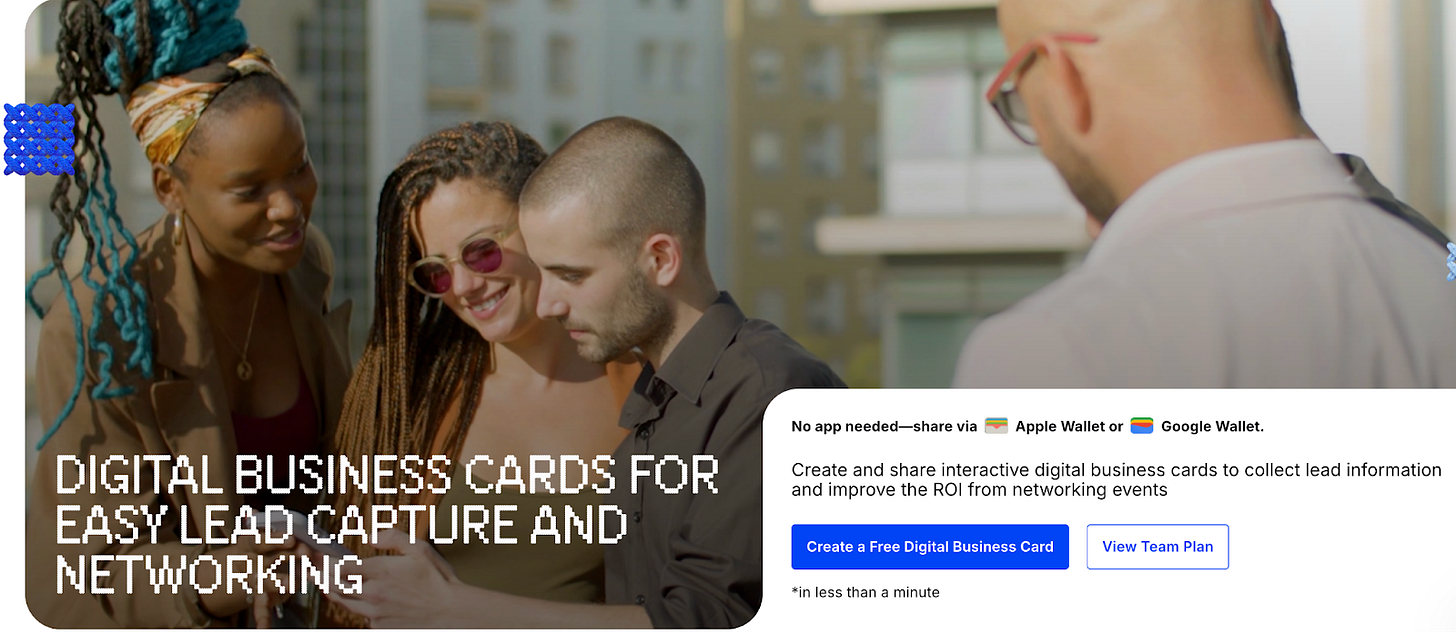
Digital cards create smoother, more interactive events with real-time data collection.

Credit: popl.co
Credit: wondertools.substack.com
Frequently Asked Questions
How To Share Business Cards Electronically?
Open your digital business card on your device. Share via QR code, link, NFC, or email. Recipients save your details instantly.
What Is The Best App For Sharing Business Cards?
HiHello stands out as the best app for sharing business cards. It offers instant sharing, design control, security, and CRM integration. Users can share cards via QR codes, links, NFC, or Apple Watch, making networking fast and efficient.
What App Can Scan Business Cards And Add To Contacts?
Apps like Google Lens, HiHello, CamCard, Popl, Microsoft Outlook, and HubSpot scan business cards and add contacts instantly. They use your phone’s camera to capture and save contact details efficiently.
What Is The Best Way To Store Business Cards Digitally?
Use dedicated apps like HiHello, CamCard, or Google Lens to scan and save business cards digitally. Verify details and sync with contacts or CRM.
Conclusion
Swft Connect makes sharing digital business cards simple and fast. You can share your card using QR codes, links, or NFC taps. This helps you capture leads quickly and keep contacts organized. Using digital cards saves paper and works well in any setting.
It also syncs with your CRM to track new connections easily. Try using Swft Connect to grow your network and manage leads more efficiently. Sharing your information instantly has never been easier or more effective.