
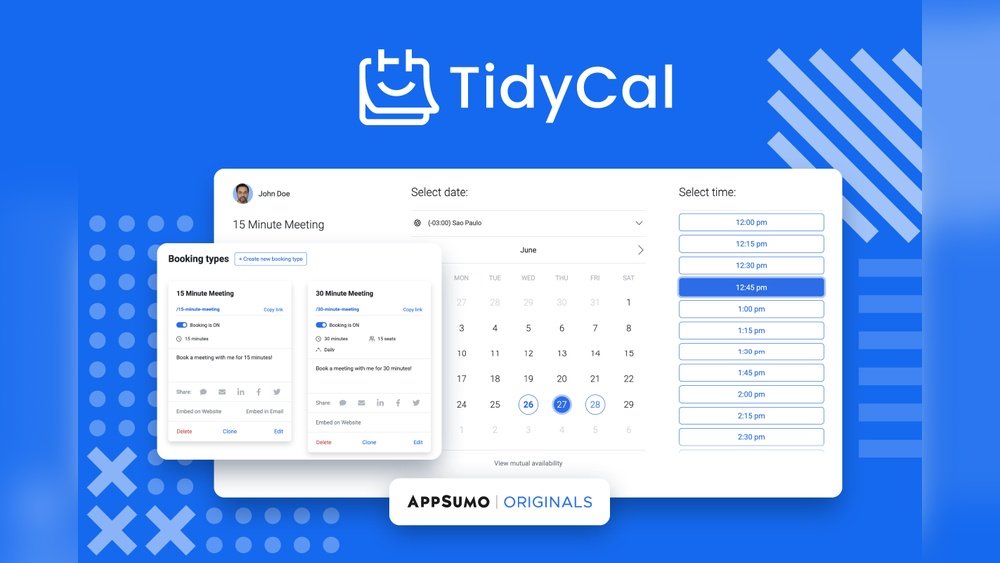
Struggling to keep your meetings and appointments organized without the hassle? Tidycal App might just be the solution you’ve been searching for.
Designed with simplicity and affordability in mind, Tidycal helps you schedule your time effortlessly—no confusing menus, no pricey subscriptions. Whether you’re a freelancer, a small business owner, or just someone who values clear, stress-free scheduling, this tool puts control back in your hands.
Ready to see how Tidycal can transform your calendar and save you precious time? Keep reading to discover why it’s becoming a favorite for so many.
Credit: www.relay.app
Introduction To Tidycal App
TidyCal is a simple and efficient calendar scheduling tool. It helps individuals and businesses book meetings without the hassle. The app works through a web browser, making it easy to access from any device. Its main goal is to simplify appointment scheduling and reduce back-and-forth emails.
Overview Of Tidycal And Its Purpose
TidyCal focuses on providing an easy way to manage appointments. It does not have a native mobile app for iOS or Android. Instead, users open it in a web browser on their phones, tablets, or computers.
- Web-based access: Use any browser to reach TidyCal.
- No push notifications: Unlike some competitors, TidyCal does not send alerts for new bookings or changes.
- Desktop alternatives: Third-party tools like WebCatalog offer desktop app versions by wrapping the web app.
The purpose of TidyCal is to cut down on scheduling confusion. It allows users to set their availability and share booking links easily. This way, clients or colleagues can pick a time that works best without extra emails or calls.
How Tidycal Enhances Productivity Through Smart Scheduling
TidyCal improves productivity by automating the scheduling process. It saves time and keeps calendars organized. Here is how it helps:
| Feature | Benefit |
|---|---|
| Simple booking links | Clients can book meetings in seconds |
| Automatic calendar sync | Prevents double bookings and conflicts |
| Custom availability | Users control when they are free to meet |
| Multiple meeting types | Offers options like 15, 30, or 60-minute slots |
By using TidyCal, users spend less time on scheduling tasks. This frees up time for more important work. The tool is especially useful for freelancers, small businesses, and teams needing easy appointment management.
Credit: pipedream.com
Unique Features Of Tidycal
TidyCal stands out with a range of features designed for easy and efficient scheduling. It suits individuals and teams who want to save time managing appointments. The app focuses on simplicity without losing powerful functionality.
Users enjoy a smooth booking experience that fits various needs, from one-on-one meetings to group events. The integration with popular tools helps keep calendars and meetings organized. TidyCal’s flexibility makes it a strong choice for reliable scheduling.
Simple And User-friendly Scheduling Interface
TidyCal offers a clear, easy-to-navigate interface. Users can create and manage appointments quickly without confusion. The clean design removes unnecessary steps, letting you book meetings in just a few clicks.
- Minimal learning curve for new users
- Quick setup of availability times
- Intuitive calendar views for easy booking
The interface works well for all skill levels, making scheduling less stressful.
Group Booking Capabilities For Team Meetings And Webinars
TidyCal supports group bookings, perfect for team meetings or webinars. Multiple participants can choose time slots that fit everyone’s schedule. This feature simplifies organizing larger events without back-and-forth emails.
- Create group events with limited seats
- Manage participant lists easily
- Allow attendees to join video calls or webinars
Group booking helps teams stay coordinated and saves time on planning.
Integration With Major Calendars And Video Conferencing Tools
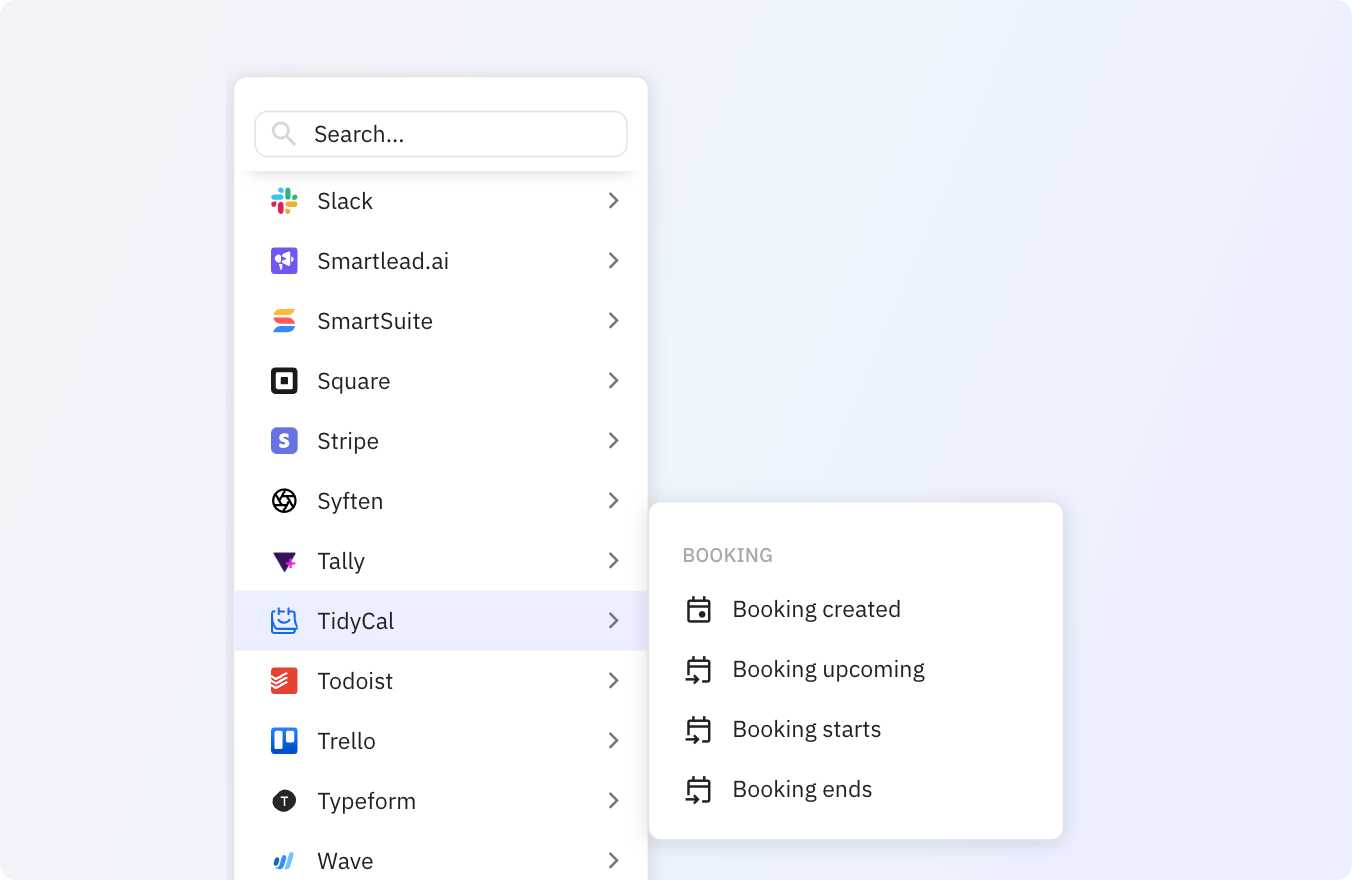
Sync TidyCal with popular calendars like Google Calendar, Outlook, and Apple Calendar. This keeps all appointments in one place and prevents double bookings.
Connect TidyCal with video tools such as Zoom, Google Meet, and Microsoft Teams. Meeting links are added automatically, simplifying virtual meeting setup.
| Calendar Integrations | Video Conferencing Integrations |
|---|---|
| Google Calendar | Zoom |
| Outlook Calendar | Google Meet |
| Apple Calendar | Microsoft Teams |
These integrations keep your workflow smooth and connected.
Web-based Access And Desktop App Alternatives
TidyCal is mainly web-based, accessible via any modern browser. No native mobile app exists for iOS or Android yet.
- Use on desktop, tablet, or phone through a browser
- Third-party desktop apps like WebCatalog offer dedicated windows
- No push notifications due to lack of native mobile app
This setup ensures access from multiple devices without installing heavy software.
Customizable Booking Pages For Branding And User Experience
TidyCal lets users create booking pages that match their brand. Customize colors, fonts, and logos to provide a professional look. This improves trust and user experience.
- Personalize booking forms and fields
- Add custom messages and instructions
- Embed booking pages on websites or share direct links
Custom pages help maintain consistent branding and make scheduling easier for clients.
Pricing And Affordability
Tidycal offers a pricing structure designed to fit different user needs. Whether you are a solo user or part of a small team, there is a plan that suits your budget and scheduling demands. The plans provide essential features with clear limits to ensure you only pay for what you need.
Free Plan: Features And Limitations
The Free Plan is ideal for individuals just starting with scheduling tools. It includes:
- Up to 3 booking links
- Basic calendar integrations
- Unlimited appointments
Limitations include:
- No team or group scheduling
- Lacks advanced customization
- Limited support options
This plan works well for personal use or testing the app before upgrading.
Individual Plan: Benefits For Solopreneurs
The Individual Plan targets solopreneurs who need more flexibility. Key benefits are:
- Unlimited booking links
- Custom branding options
- Multiple calendar connections
- Priority customer support
This plan helps freelancers and consultants manage appointments professionally without extra cost burdens.
Agency/team Plan: Features For Small Teams
The Agency/Team Plan supports small teams or agencies. Features include:
- Shared team calendar
- Team member management
- Group scheduling capabilities
- Advanced analytics and reporting
- Priority support with faster response
This plan is perfect for teams that require collaboration and efficient scheduling tools.
Comparison Of One-time Payment Vs Subscription Models
| Payment Model | Cost Structure | Benefits | Considerations |
|---|---|---|---|
| One-Time Payment | Single upfront fee |
|
|
| Subscription Model | Monthly or yearly fees |
|
|
Choosing between payment models depends on budget and long-term needs.
Pros And Cons Based On Real-world Usage
TidyCal offers a practical scheduling solution for users needing a simple and affordable tool. Real users report clear benefits but also point out some drawbacks. This section breaks down the main advantages and limitations based on actual experience. It also shares user insights and compares TidyCal’s features to popular competitors like Calendly.
Advantages: Cost-effectiveness And Simplicity
TidyCal stands out for its affordable pricing, making it a top choice for individuals and small businesses. The straightforward setup lets users start scheduling quickly without a steep learning curve.
- Low-cost subscription: Offers many essential features at a fraction of competitors’ prices.
- Easy interface: Clean design with minimal steps to create and share booking links.
- Basic integrations: Connects smoothly with Google Calendar and other popular calendar apps.
- Unlimited bookings: No hidden fees for the number of meetings scheduled.
Users appreciate how TidyCal focuses on core scheduling needs without overwhelming them with extra options.
Limitations: Lack Of Native Mobile App And Push Notifications
TidyCal currently lacks a dedicated mobile app for iOS and Android devices. Users must access it through a web browser on their phones, which limits convenience.
- No native mobile app: No official app means no offline access or app-specific features.
- Absence of push notifications: Users do not receive instant alerts for new bookings or changes.
- Desktop workaround: Some use third-party tools like WebCatalog to run TidyCal in a desktop app window.
This gap affects users who rely heavily on mobile scheduling and quick updates.
User Experience Insights: Ease Of Use And Accessibility
Real-world users find TidyCal easy to navigate. The clean layout and simple controls reduce setup time.
- Quick setup: Users can create booking pages and share links within minutes.
- Accessible via browser: Works on most devices without installation.
- Minimal distractions: No cluttered menus or confusing options.
However, the lack of a mobile app can make on-the-go scheduling less smooth.
Comparing Tidycal’s Features To Competitors Like Calendly
| Feature | TidyCal | Calendly |
|---|---|---|
| Pricing | Lower cost, simple plans | Higher cost, tiered plans |
| Mobile App | No native app; browser access only | Available on iOS and Android |
| Push Notifications | Not available | Available on mobile devices |
| Integrations | Limited but covers basics | Extensive third-party integrations |
| User Interface | Simple and clean | Feature-rich, slightly complex |
TidyCal suits users who want a budget-friendly and straightforward tool. Calendly fits those needing advanced features and mobile convenience.
Ideal Users And Use Cases For Tidycal
TidyCal is a simple and efficient calendar scheduling tool. It fits users who want a straightforward way to manage appointments without complex features. The app works well for individuals and small groups needing easy booking management.
Best Fit For Solopreneurs And Freelancers
Solopreneurs and freelancers benefit from TidyCal’s clean interface and easy setup. It helps them save time on scheduling meetings with clients.
- Manage client calls and consultations quickly
- Offer multiple meeting types with clear options
- Sync with existing calendars to avoid conflicts
This group values simplicity and speed over advanced tools.
Small Teams And Agencies Benefiting From Group Bookings
Small teams and agencies can use TidyCal to handle group bookings. It supports coordinating meetings across a few team members.
| Feature | Benefit for Teams |
|---|---|
| Shared Calendars | View team availability to schedule group meetings |
| Booking Links | Send easy-to-use links for clients to book time |
| Simple Setup | Get started quickly without IT support |
This makes TidyCal ideal for agencies with limited scheduling needs.
Use Cases In Creative And Service-based Industries
TidyCal fits well in creative and service industries, where client interaction is key. Examples include:
- Consultants booking strategy sessions
- Designers scheduling project reviews
- Coaches arranging coaching calls
- Therapists managing appointments
The tool’s ease of use helps maintain focus on client work.
When To Choose Tidycal Over More Feature-rich Alternatives
Choose TidyCal when you want a simple, no-fuss scheduling tool. It suits users who:
- Do not need advanced automation or integrations
- Prefer a low-cost option with straightforward features
- Want fast setup without a learning curve
- Need basic calendar syncing and booking links
More complex tools may overwhelm users needing only essential scheduling.

Credit: https://youtu.be/mAHAODSu1Io?si=T_vbPtMyQAiJswJF
Frequently Asked Questions
Is There An App For Tidycal?
No, TidyCal does not have a native mobile app for iOS or Android. Access it via web browsers on any device. Some third-party desktop apps wrap the web version for Windows and Mac users.
How Much Does Tidy Cal Cost?
TidyCal offers a free plan and paid plans starting at $6 per month. It also has a lifetime deal option for a one-time payment.
Is Tidycal Better Than Calendly?
TidyCal suits solopreneurs and small teams seeking affordability and simplicity. Calendly offers advanced features, scalability, and better integrations for larger businesses. Choose based on your budget and feature needs.
Is Tidycal Free To Use?
TidyCal offers a free plan with essential scheduling features. Users can upgrade for more advanced options and increased limits.
Conclusion
TidyCal offers a simple way to manage your appointments online. It works through your web browser, so no app download is needed. You can schedule meetings easily, even group sessions. While it lacks mobile push notifications, its clean design helps avoid confusion.
Plans include free and paid options for individuals or teams. If you want a straightforward calendar tool without extra complications, TidyCal fits well. Try it to see how it can organize your schedule smoothly and save time.